AI Captions
Upload a video or paste a URL to auto-transcribe. Get a full SRT caption file back.
Click to upload or drag & drop
MP4, MOV, WebM (max 500MB)
AI Voiceover
Choose a voice and type your script. Get a studio-quality MP3 back instantly.
Voice Library
Your saved voiceovers. Play, download, or delete any time.
Start creating with Vidso thumbnails
Describe a scene, a subject, a mood, or a style, and watch it come to life.
Video Clipper
Paste a link. Vidso finds the best moments and reframes them to 9:16.
Or start from a video
Click to load video or drag & drop
MP4, MOV, WebM
Add Media
Files under 1GB, or drag & drop here
Paste a direct video link. Some sites block hotlinking.
Voiceover
Add a spoken track on Voiceover. Import a recording or generate one from your script.
Sounds
Background music or SFX on the Music track. It plays across the whole timeline.
Script
Draft copy for voiceover or captions. It stays with this project until you add it to the video.
Import a clip first so captions have somewhere to sit.
Captions
Add on-screen text. Pick a style, then add a caption or pull lines from your script.
Import a clip first, then add captions.
Effects
Reframe to 9:16 with a top and bottom background — useful for captions above the clip.
Stickers
Overlay images or emoji on top of your video. They land on the Stickers track.
Editor
Select a clip, text, image, or music on the timeline to edit it. Drag clip edges to trim.
Clip Settings
AI Reframe
Auto-fit any landscape video into a vertical / square format by detecting the main subject and centering the crop around them. One click, no manual reframing.
Video Downloader
Download videos from YouTube, TikTok, Instagram, Twitter, Reddit and more. Paste any public video URL.
Ranking
Assemble ranked short videos with a live 9:16 preview.
Setup
Title style
Video Ranking Title
General settings
General Setting
Playback order
Playback Order
Video ranks
My Files
Every video and thumbnail you generate is kept here.
Start creating with Vidso faceless
Describe a topic, a style, or a story, and watch it come to life.
Long Form Generator
Turn a topic into a narrated short or long-form video: script, voice, B-roll, and captions.
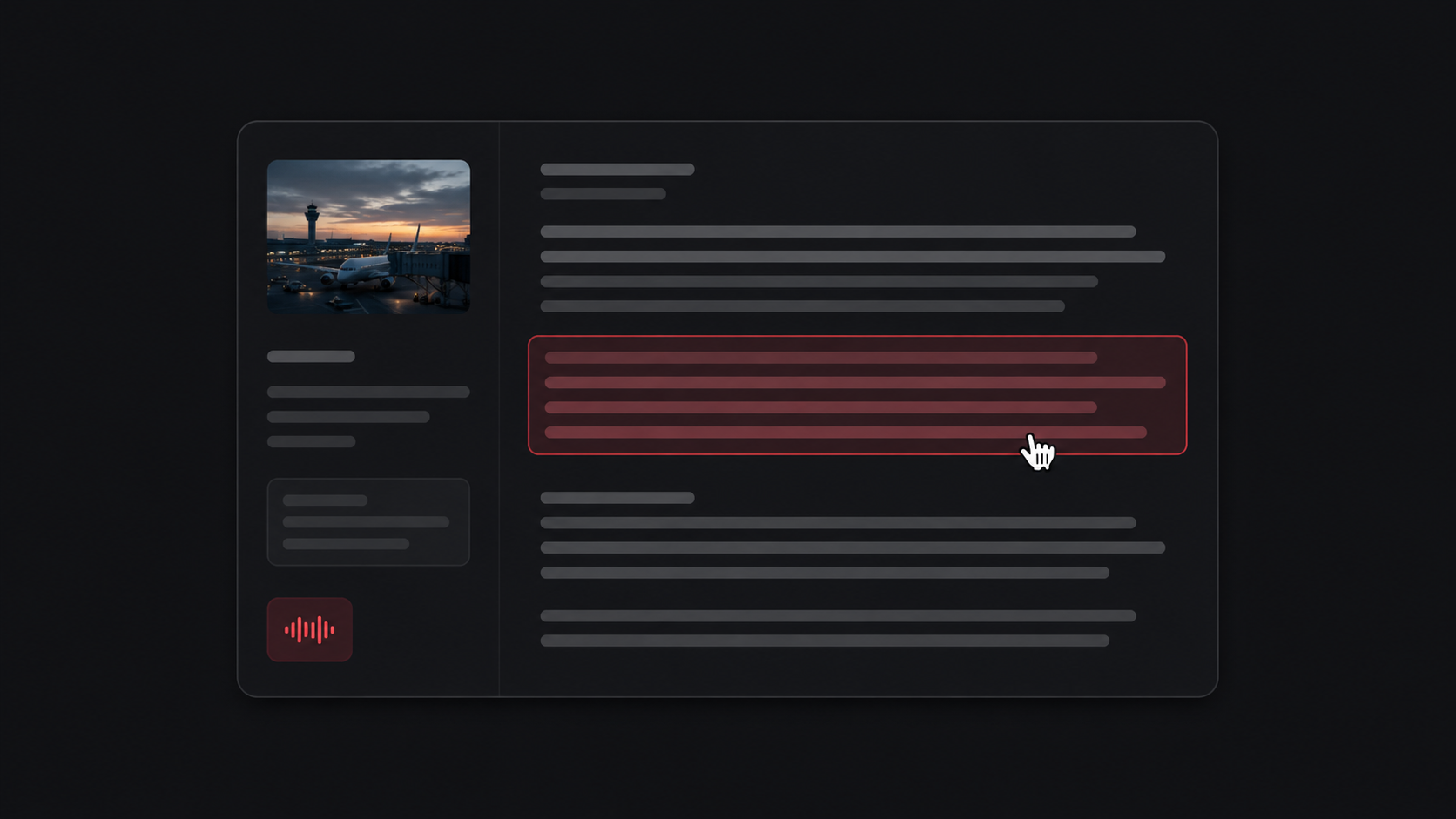
Generate and edit the narration for your topic.
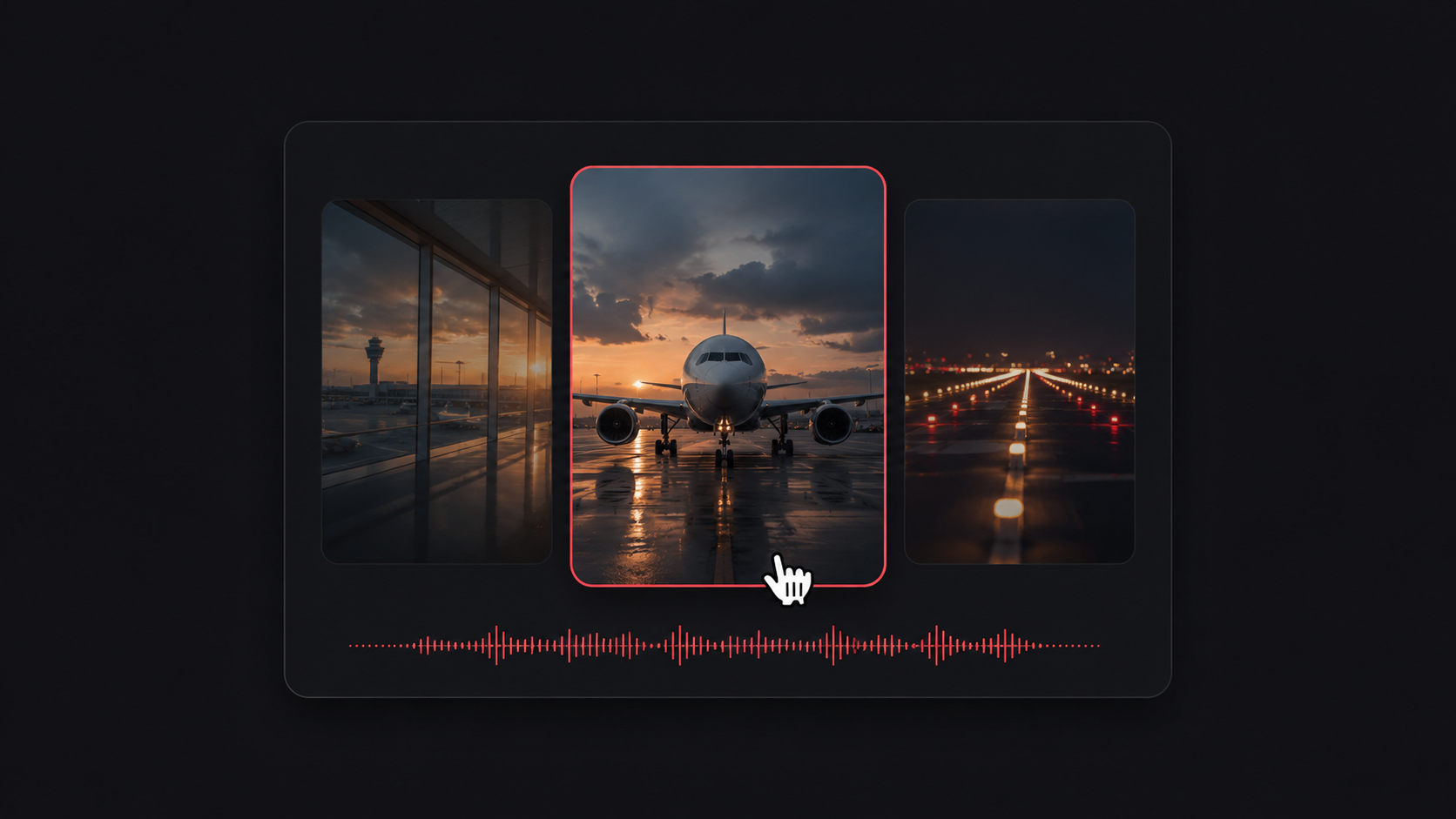
Cinematic B-roll, cut to every line of the voiceover.
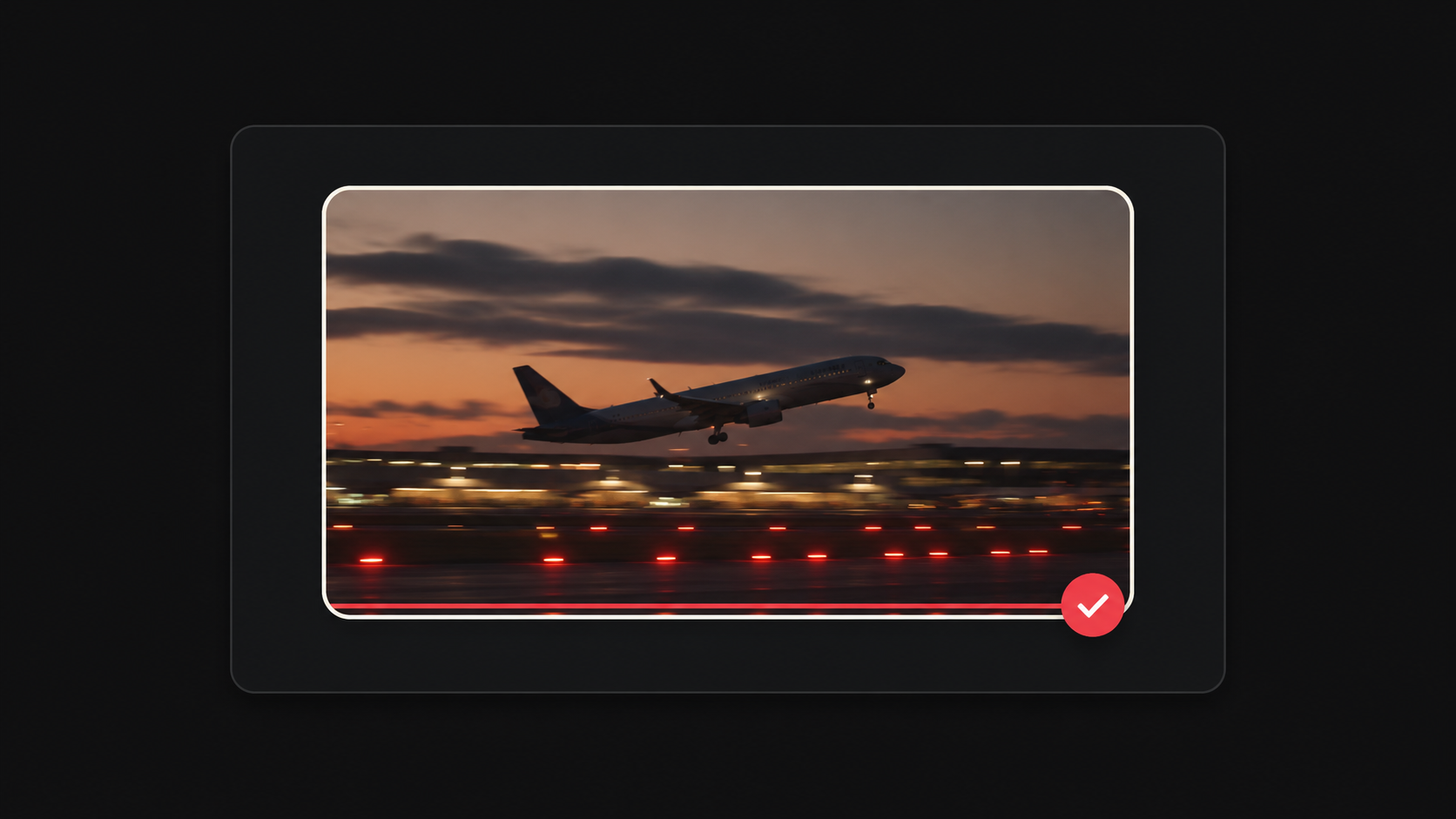
Preview the timeline, then render the final MP4.
Long Form Generator
Set topic, length, and voice, then generate a script.
A title is enough, or paste a longer brief.
Cinematic footage scored to each beat of the script. Pro can pull real YouTube scenes for every section.
ElevenLabs voice controls. They apply when the voiceover is generated, not to the stock preview.
Click Replace on a segment, then pick a new clip from the library, search, or upload.
Hit Play on the preview to hear music with the voiceover, or tap Hear to audition a track.
Swap B-roll, tweak captions & music, then export the final MP4.
Tools
Every Vidso tool in one place.
Welcome back
Your usage and shortcuts in one place.